Integrate Cloudron with IDrive® e2
Cloudron is a platform that simplifies self-hosting by automating the deployment, updates, and management of numerous web applications with centralized controls and built-in security. It streamlines backups, DNS, SSL, and email configuration, making private server management as simple as using SaaS tools. Integrating Cloudron with IDrive® e2 extends these capabilities with a scalable, secure, and cost-effective cloud object storage solution.
Prerequisites
Before you begin, ensure the following:
- An active IDrive® e2 account. Sign up here if you do not have one.
- A bucket in IDrive® e2. See how to create a bucket.
- Valid Access Key ID and Secret Access Key. Learn how to create an access key.
- A valid Cloudron account.
Configure Cloudron with IDrive® e2
- Log in to your Cloudron account.
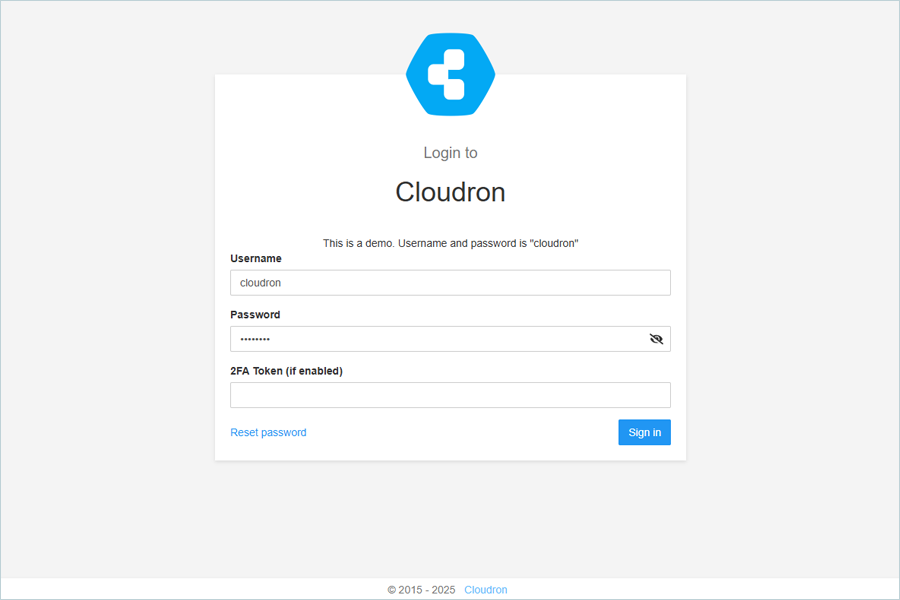
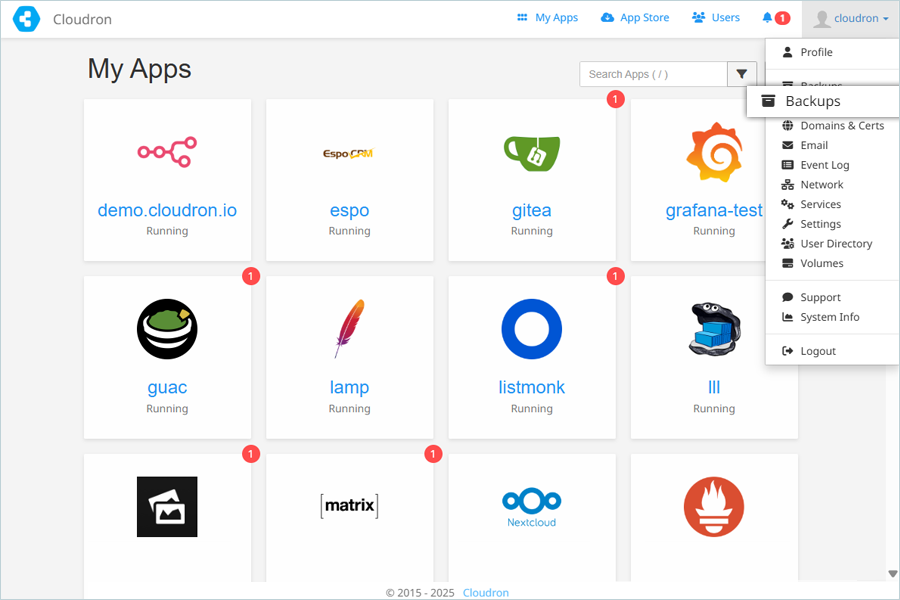
- Click Profile and select Backups.
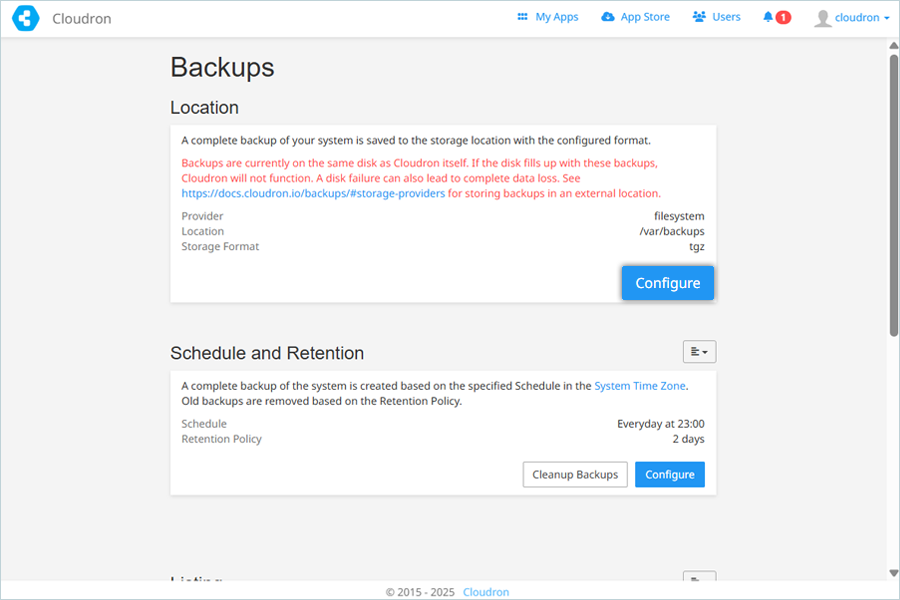
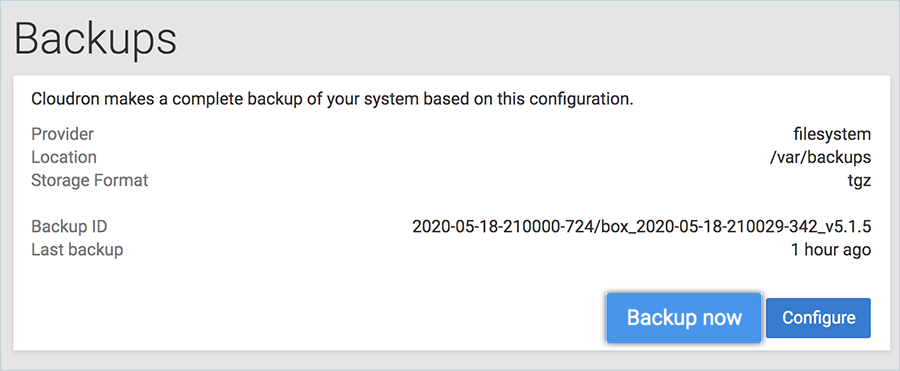
- In Backups, click Configure.
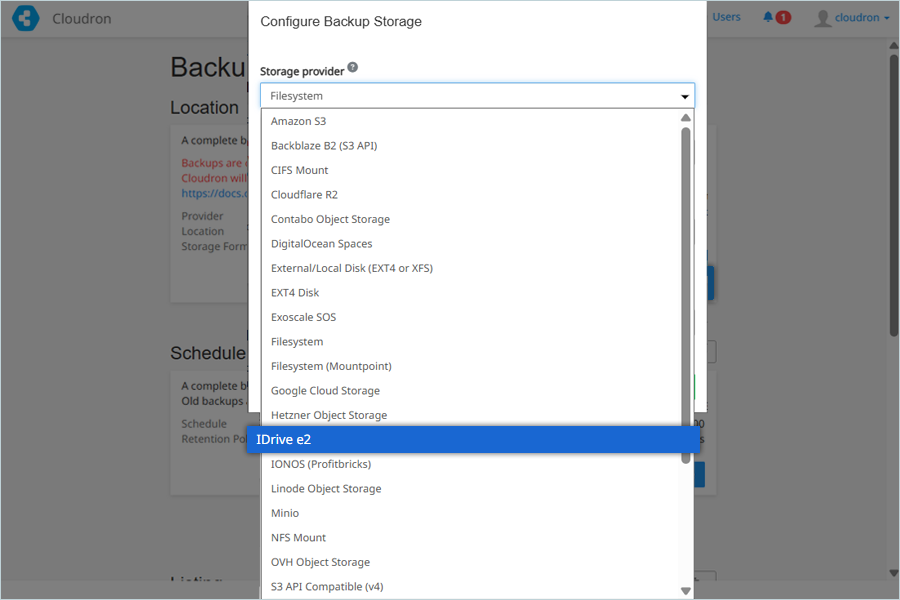
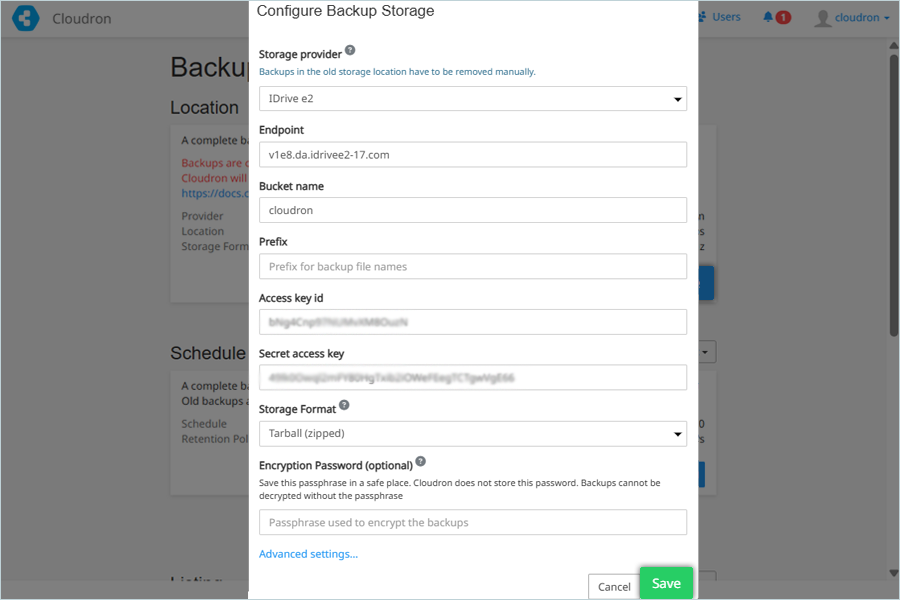
- In the Configure Backup Storage window, select IDrive® e2 as the Storage Provider, and enter details as mentioned below.
- Enter your IDrive® e2 endpoint as Endpoint.
- Enter your IDrive® e2 bucket name as Bucket name.
- Enter your IDrive® e2 Access Key as Access key id.
- Enter your IDrive® e2 Secret Key as Secret access key.
- Click Save.
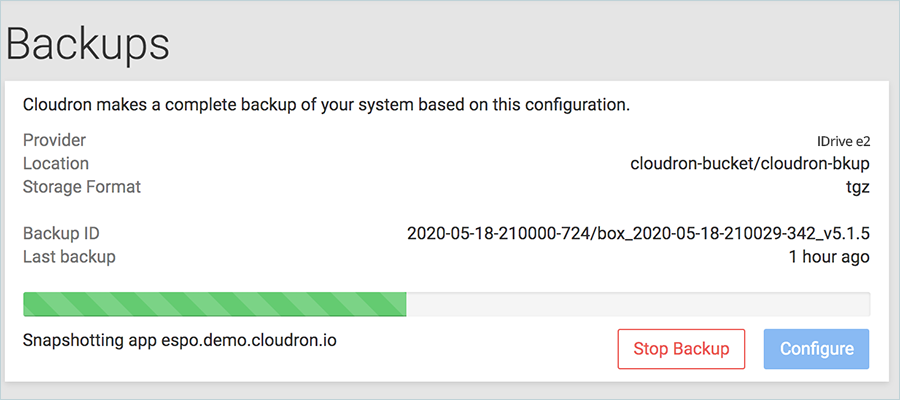
- Click Backup now, once the storage is added successfully.
Note: Data restoration is handled by your specific backup solution provider and is affected by multiple variables that are unique to your environment. For application-related enquiries/support, it is strongly recommended you seek guidance from the technical team of your backup solution provider.