Related Links
Integrate AJC Sync App with IDrive® e2
AJC Sync is a file sync and backup tool that lets you sync, back up, and compare files across local drives, network shares, and cloud storage, ensuring data consistency across locations. Integrate AJC Sync with IDrive® e2 to seamlessly backup and sync files between your local system and the cloud, with enhanced data availability, redundancy, and security.
Prerequisites:
Before you begin, ensure the following:
- An active IDrive® e2 account. Sign up here if you do not have one.
- A bucket in IDrive® e2. See how to create a bucket.
- Valid Access Key ID and Secret Access Key. Learn how to create an access key.
- A valid AJC Sync account.
Configure IDrive® e2 with AJC Sync app
- Launch AJC Sync App.
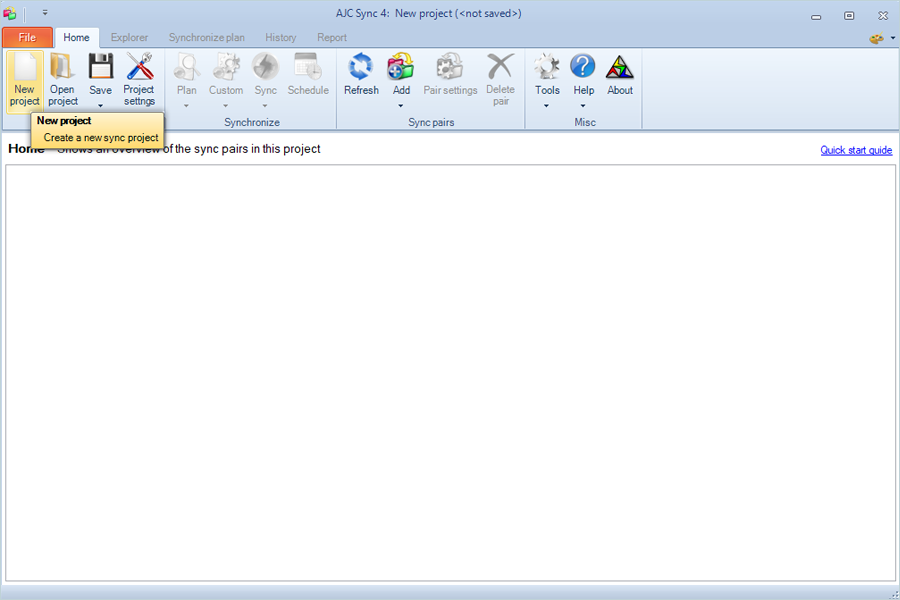
- Click New Project.
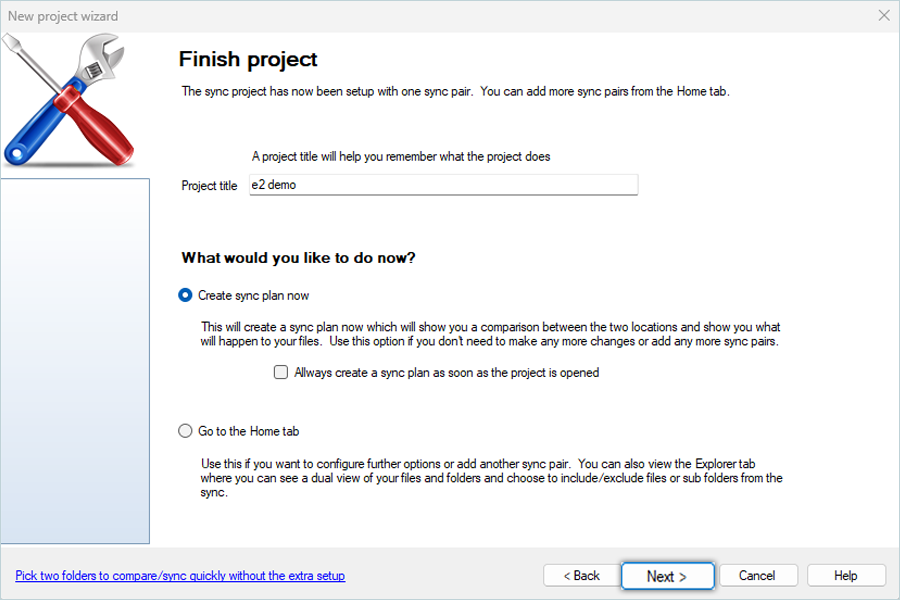
- Enter the Name for the project and click Next.
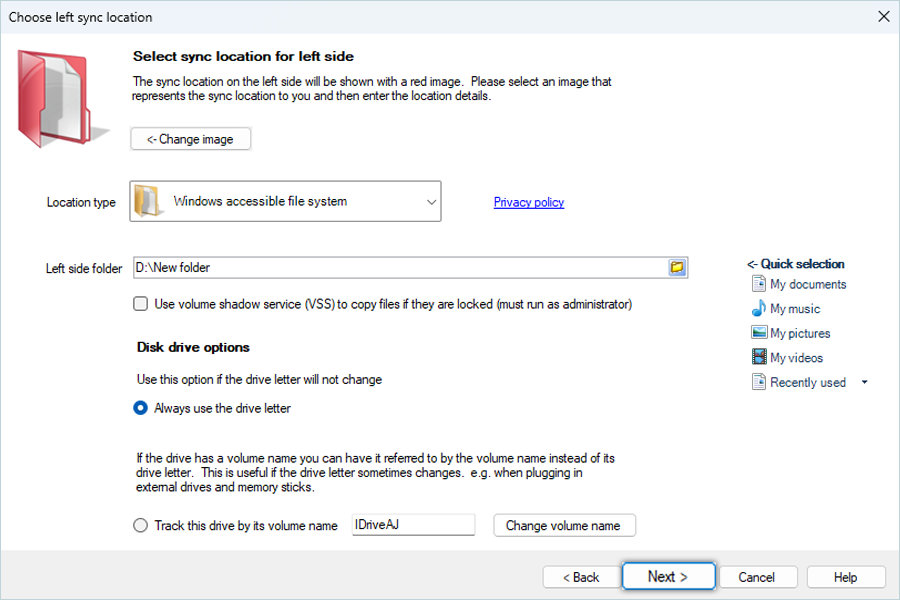
- Click
 and select a folder from Local, then click Next.
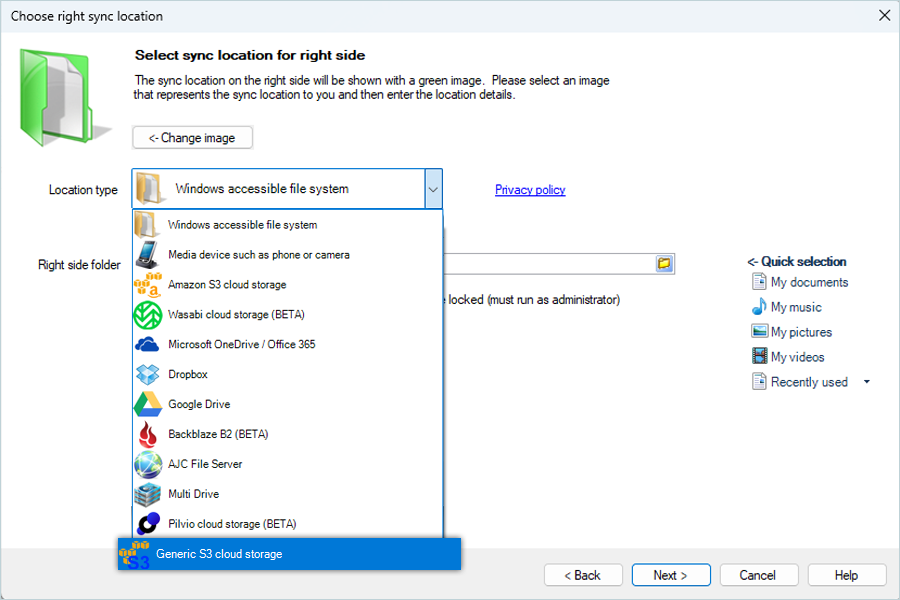
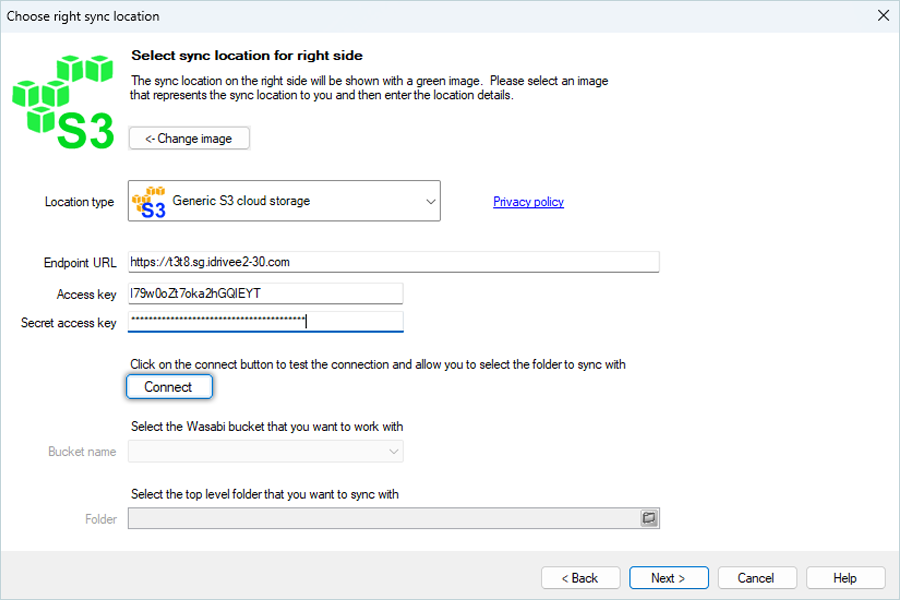
- Select Generic S3 cloud storage as Location type.
- Enter IDrive® e2 endpoint as Endpoint URL.
- Enter your IDrive® e2 access key as Access Key.
- Enter your IDrive® e2 secret access key as Secret Access Key.
- Click Connect.
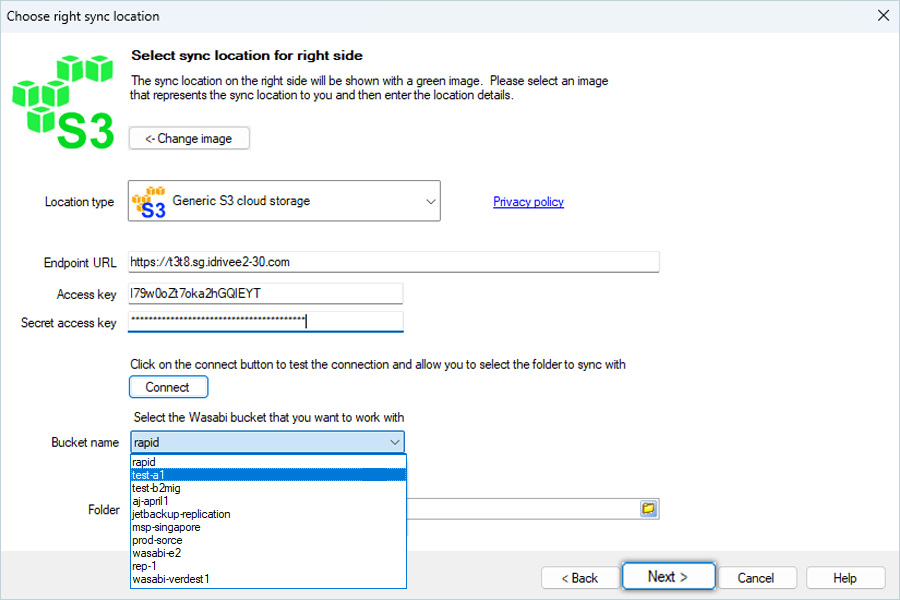
- After a successful connection, select a bucket from the list and click Next.
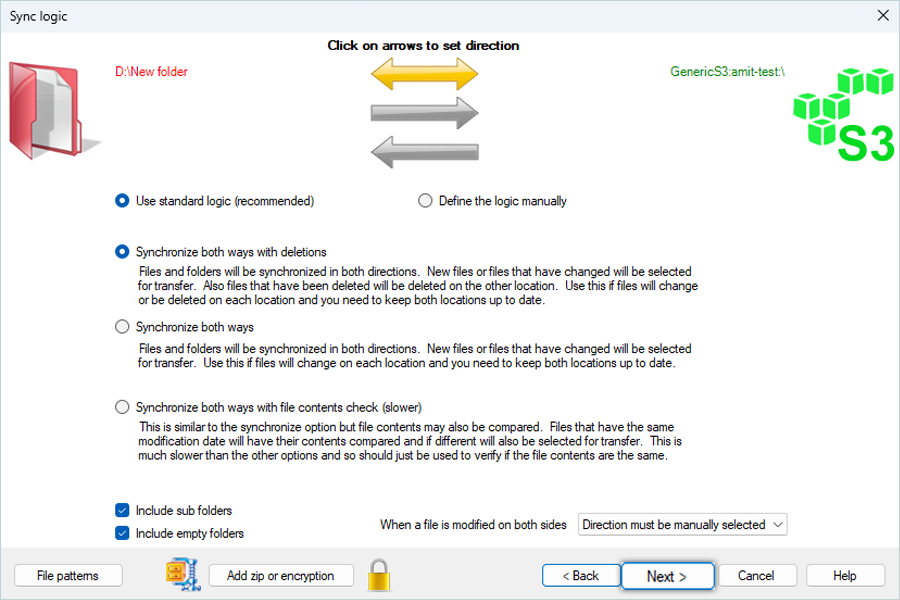
- Keep the default arrow direction configuration and click Next.
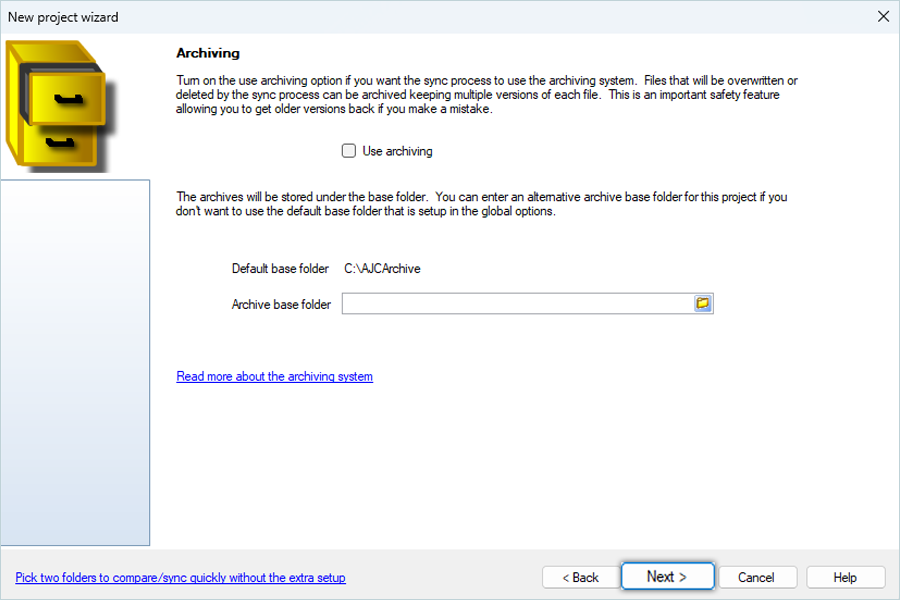
- Keep the default archiving settings and click Next.
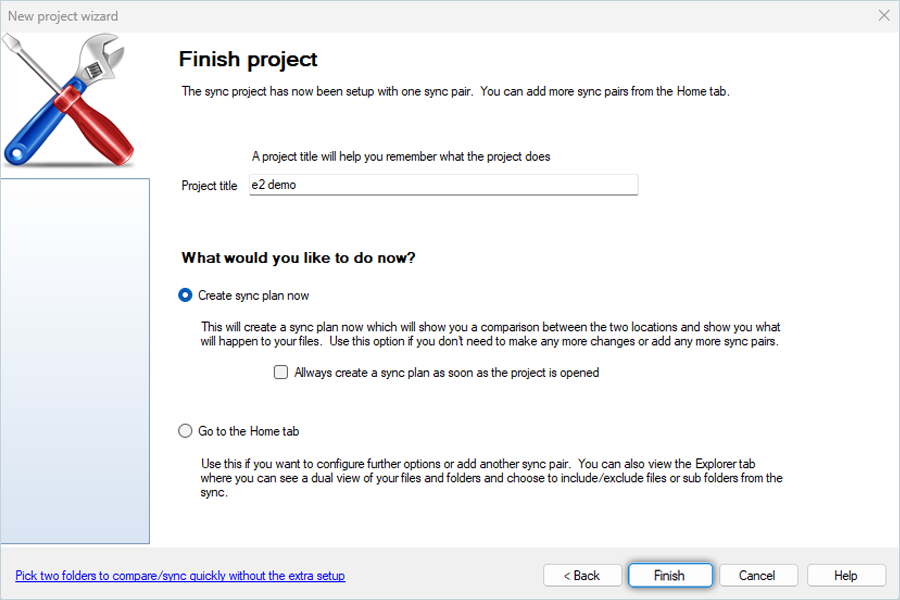
- Enter a Project Title and click Finish.
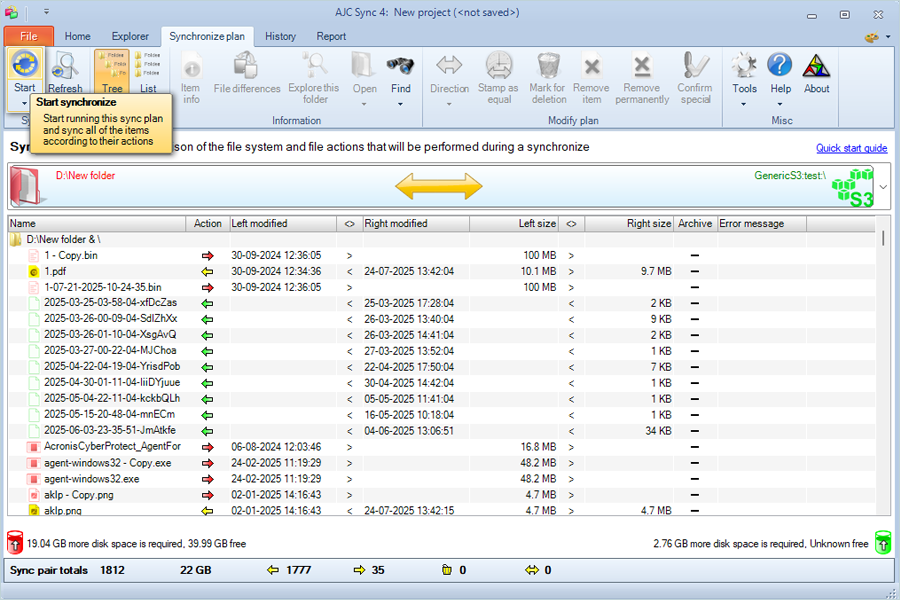
- Click Start synchronize to start syncing.
Note: Data restoration is handled by your specific backup solution provider and is affected by multiple variables that are unique to your environment. For application-related enquiries/support, it is strongly recommended you seek guidance from the technical team of your backup solution provider.